
smm panel order
How to Place Your First Order on an SMM Panel
2026-03-05 · Updated 2026-08-12 · SSMM Panel Team · 4 min · 509 words
A clear walkthrough from signup to your first completed order — free pack optional, public link only, status visible in Orders.

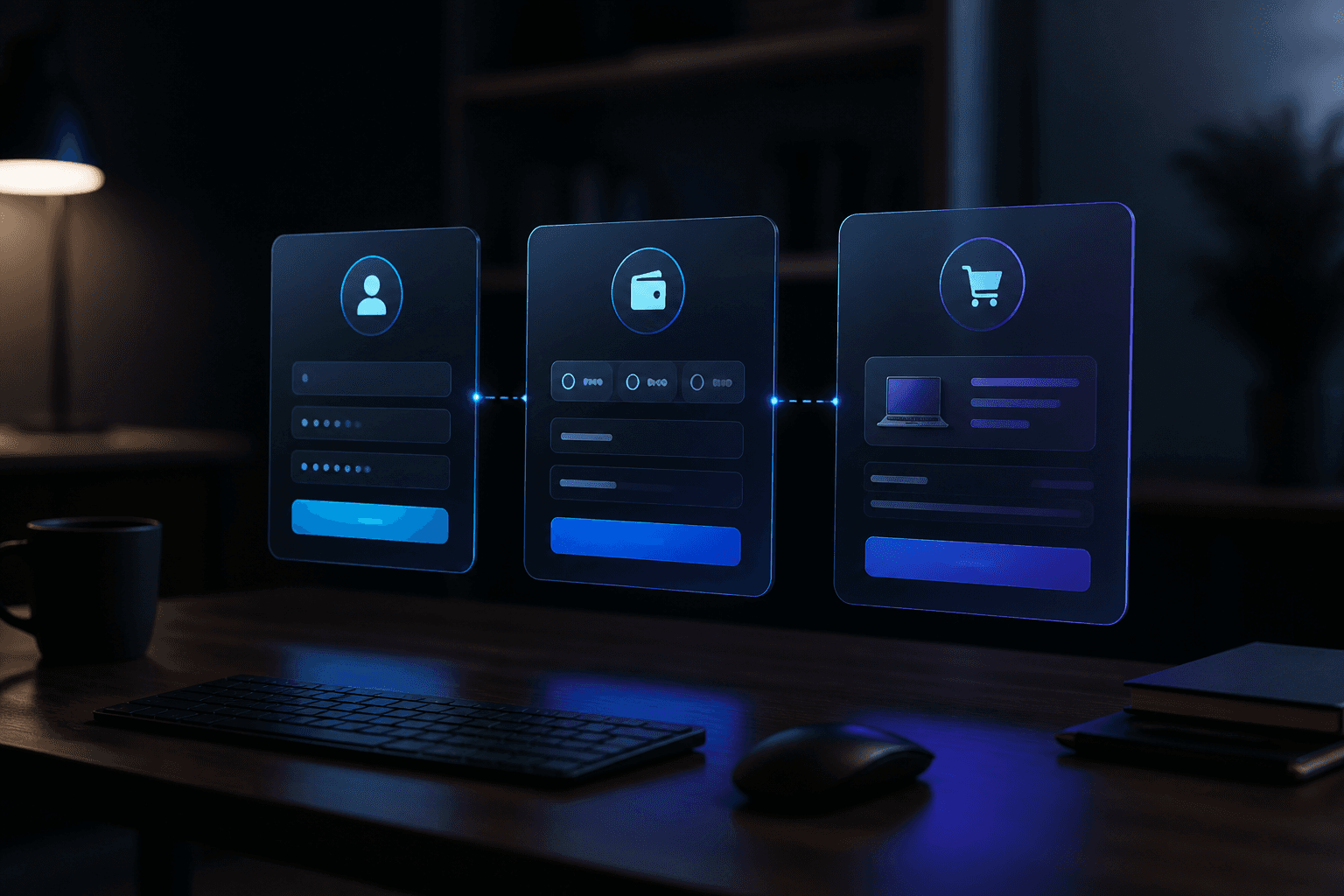
Ready to place your first SMM panel order? This guide walks through the same path most people use on SSMM Panel: open an account, optionally try a free pack, add balance, pick a service, paste a public link, and track the result in Orders.
You only need a public profile, post, or video URL. We never ask for your social media password.

Step 1 — Create your account
Go to Sign up, choose a username and email, and set a password for the panel. After login you land in the dashboard where New Order, Services, Add Funds, and Orders live in one place.
New to panels in general? Skim what is an SMM panel for vocabulary (rate per 1K, min/max, drip-feed, refill).
Step 2 — Optional free pack
Open free services, pick a small pack that matches your platform, paste a public link, and submit. Free packs are a low-pressure way to learn link formats and see how status updates look before you spend.
Respect cooldown rules shown on the free page. When you like how a line behaves, note the related paid service category for later.
Step 3 — Add balance
Visit payments, choose a method you already use, and follow the on-page instructions. Include your panel username in the payment note when asked, then send proof through WhatsApp or a ticket so support can credit the wallet.
Start with a modest amount. You can always top up again after your first order finishes cleanly. PayPal users can also read how to add funds with PayPal.
Step 4 — Choose a service and place the order
Browse services by platform (Instagram, TikTok, YouTube, and more). Read the rate per 1,000, minimum and maximum quantity, and any notes about drip-feed or refill.
In New Order: select the category and service, paste the public link, set quantity, check the charge, and confirm. For Instagram-focused tips, see our Instagram SMM panel guide.
| Field | What to enter | Tip |
|---|---|---|
| Service | Platform + metric | Match the goal (followers vs likes vs views) |
| Link | Public URL | Profile, post, Reel, or video — never a password |
| Quantity | Within min/max | Start small on a new account |
| Charge | Shown before confirm | Balance must cover it |

Step 5 — Track status in Orders
Open Orders to see pending, processing, completed, or partial. Remains and start count appear when the supplier reports them. If something stays stuck longer than expected, message support with your username and order ID — one clear ticket is enough.
When you are ready to grow the same post again, re-order the same service ID so results stay consistent. Free-to-paid pacing is covered in free SMM services vs paid.
Quick checklist before you click confirm
Account logged in · public link ready · service min/max checked · balance covers the charge · content already published on the social platform.
That is the whole loop. Create your free account, try a pack if you want, then place a calm first order and watch it complete in the panel.
Frequently asked questions
Do I need a password for Instagram or TikTok?
No. Orders use a public profile, post, or video URL only. Never share social media passwords with any panel.
Can I place an order without depositing?
Yes for free packs on /free-services. Paid catalog rows need wallet balance from /payments.
Where do I see order progress?
Open Orders in your dashboard. Status updates there as the supplier reports progress.
What if my balance is too low?
Add funds on the payments page, wait for support to credit your username, then return to New Order.
Which quantity should I pick first?
Stay near the service minimum on a first paid order. Scale after you like the pacing and completion.
How do I contact support about an order?
Use WhatsApp, Telegram, or a ticket with your username and order ID. One thread with clear details is best.
From Our Blog



Ready to place a controlled first order?
Create a free account, try a free pack, then top up when a service line looks right.